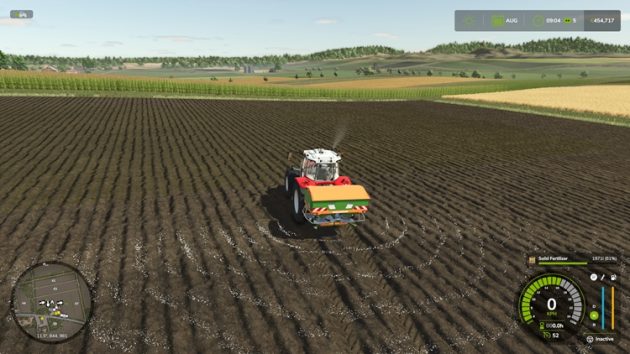
How to Repair, Repaint, and Customize Vehicles in FS25

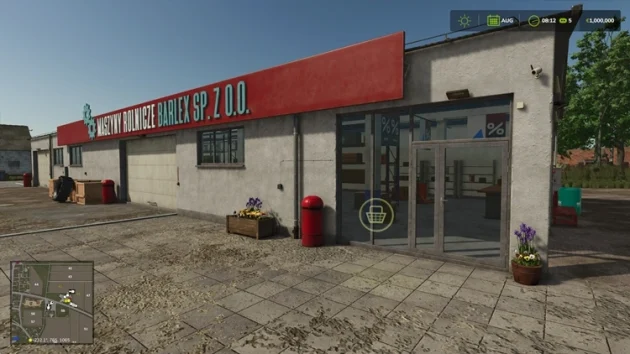
In Farming Simulator 25, you can buy farm equipment, consumables such as seeds, bales, baler twine, and fertilizer, and vehicles such as tractors, combine harvesters, and trucks from the shop. If you have installed mods, those can be bought from the shop as well. In short, you can buy everything in the game from the shop.
You can watch a video tutorial of this content on YouTube below.
Don’t forget to subscribe to our YouTube channel 🙂
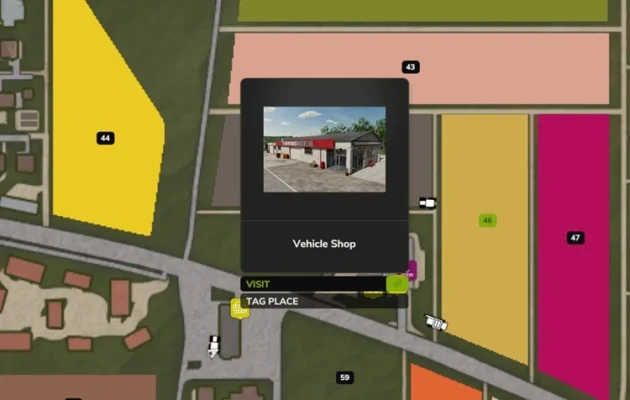
Press “P” anywhere to go to the shop. On the map, its location is the yellow shopping cart icon.
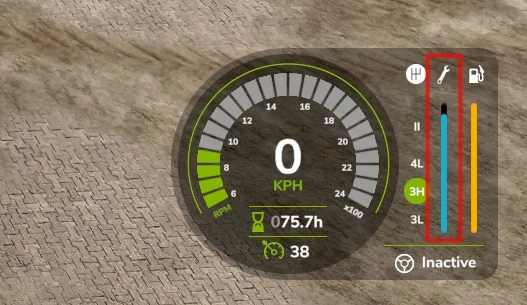
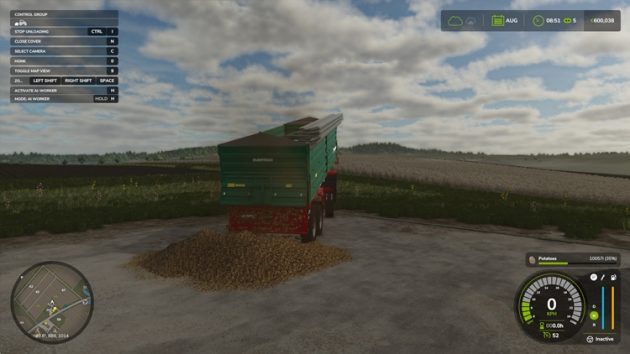
The farm equipment you buy loses condition and starts to break down as you use it. For vehicles (tractors, combine harvesters, trucks, cars), there is a section on the HUD in the bottom right when you sit in them that shows the vehicle’s condition.
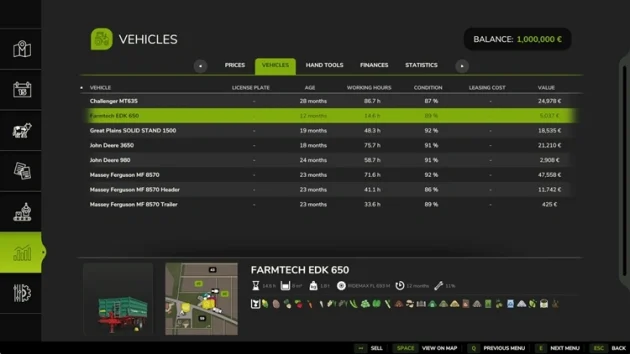
For equipment, go to ESC > Statistics > Vehicles to check condition.
Repairing Equipment and Vehicles
To do this, you need to go to the service area near the shop. Leave the equipment or vehicle you want to repair in the marked area, walk up to the nearby repair icon, and press “R” to open the service screen.
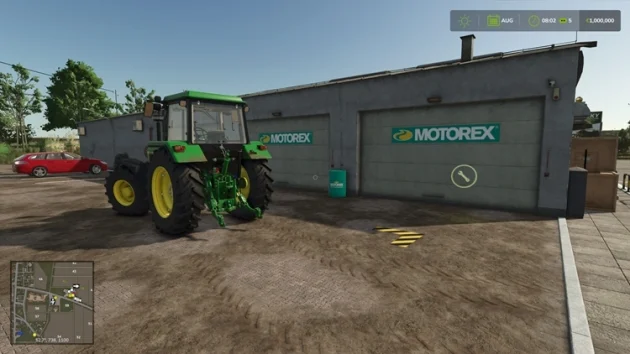
Press “C” to repair. To repaint equipment and vehicles, press “X”.
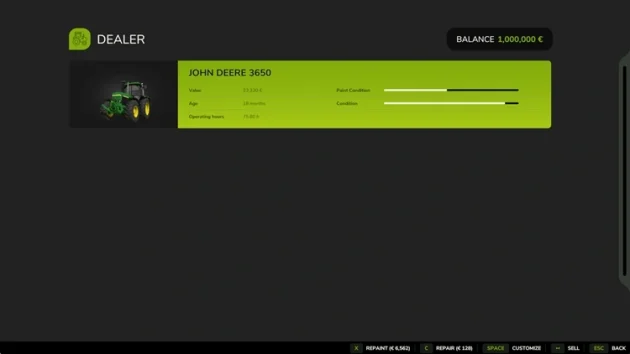
The time until you need a new paint job is shorter on equipment and vehicles that have been left out in bad weather such as constant rain and snow. That is why you can build a garage and keep your equipment protected from the weather.
Another issue is that after you work a field, you need to clean dirty equipment or vehicles such as tractors. For that, you can also buy a pressure washer from the shop. Cleaning dirty vehicles with this machine extends the time between repaints and repairs and helps prevent breakdowns.
On a related note, when you plow a field, stones appear on it. These stones do not affect yield, but they do cause other equipment you use on that field to break down. Using a stone picker to clear stones from the field at regular intervals has a positive effect on how long your equipment lasts.
Does Hitting an Object Reduce Durability?
No. Accidents in the game do not consume durability and do not increase vehicle wear. Wear only goes up faster as operating hours increase, and when equipment is left muddy and sitting out in the open.
What Happens When Wear Reaches 100%?
When wear reaches 100%, you can keep using the equipment.
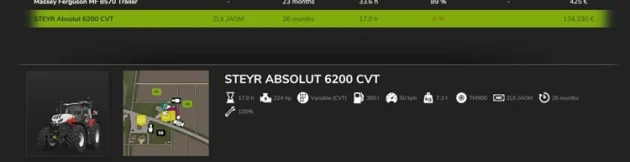
This system is not fully implemented in the game yet. So a piece of equipment or a tractor at 100% wear will still run and still do its job. It will not fail in any way.
Can I Customize Equipment and Farm Vehicles I Already Bought?
Yes. You can customize farm tools and vehicles you already own. For example, you can swap a tractor that has standard tires for narrow tires, and if engine power can be increased, you can upgrade it.
To do this, take the equipment or farm vehicle you want to customize to the service area again and press SPACE on the service screen.
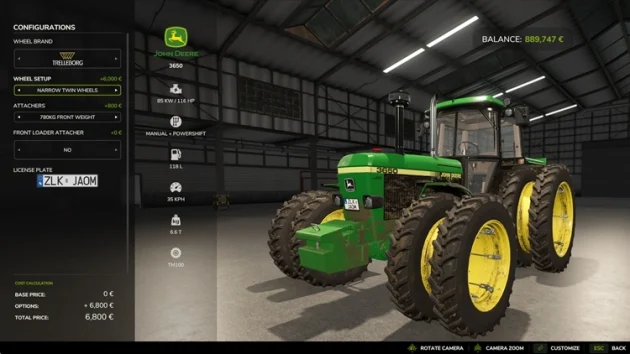
After you make the changes you want on the customization screen, press ENTER to finish the customization.