How to Grow Cotton in Farming Simulator 25

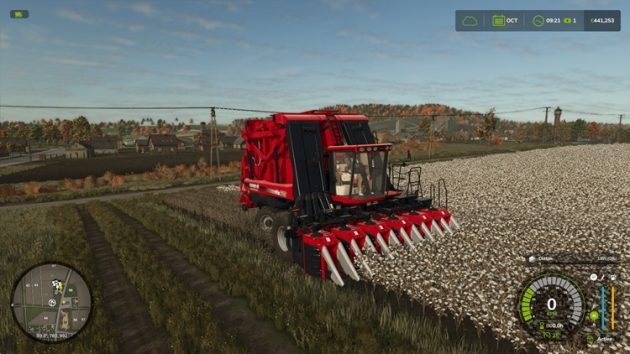
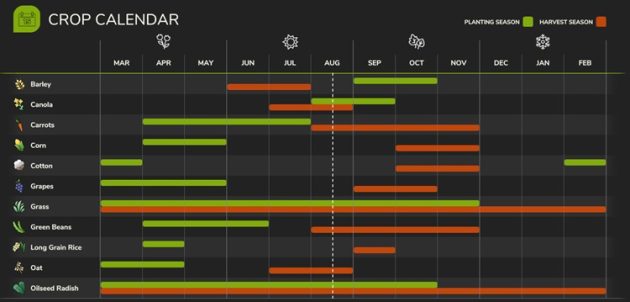
You can grow cotton in Farming Simulator 25. Cotton is planted in February–March and harvested in October–November. It can be processed into fabric for clothing production. Clothing is one of the more profitable production chains, and cotton is used as a raw material there.
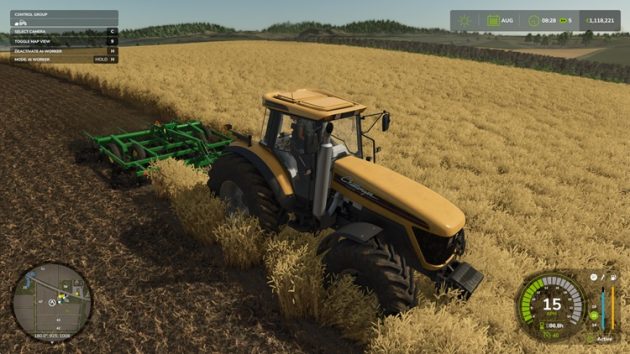
Before February–March, prepare the field. If plowing is required, plow the field first, then cultivate it to level the soil and get it ready for planting.
Related Guide: Farming Simulator 25 Soil Management and Yield Guide
To plant cotton, you need a planter. You can buy or lease one that fits your budget. In the guide linked above, you will find answers to common questions about how to get maximum yield from a field and how to work the soil properly.
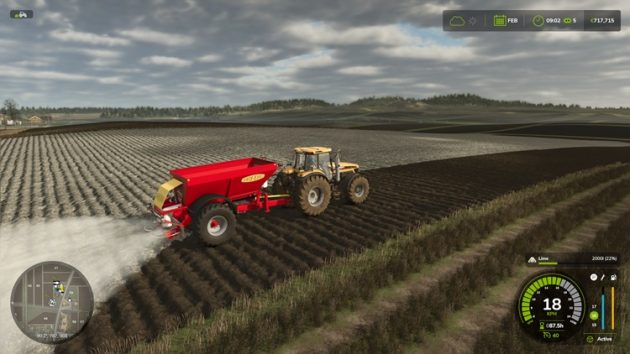
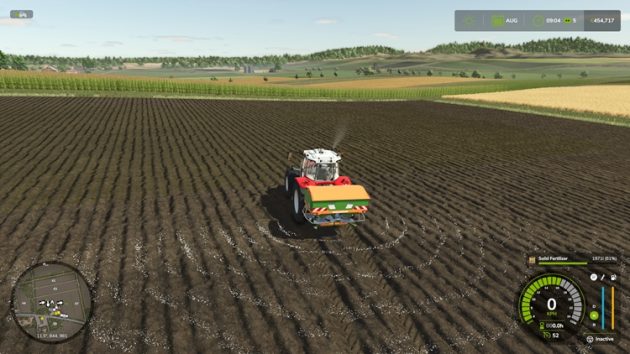
The soil also needs liming. We apply lime to increase yield. For this, we use the Bredal K105 fertilizer spreader.
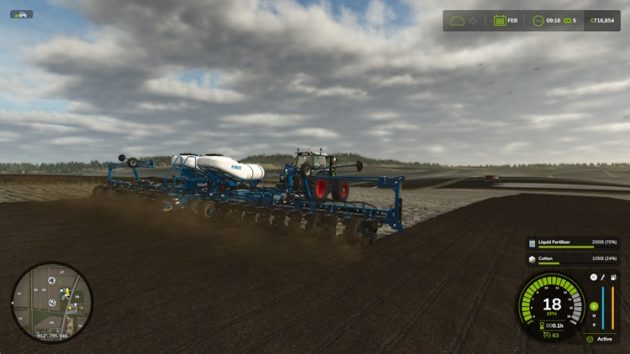
In February, we start planting cotton. With a planter attached, press Y to change the seed type to cotton.
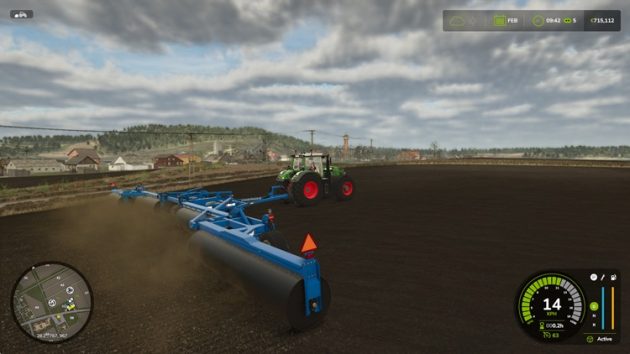
Seeded crops need to be covered. We roll the field with a suitable implement: the Brandt Landroller 591A.
Related Guide: Which Equipment Does What in Farming Simulator 25?
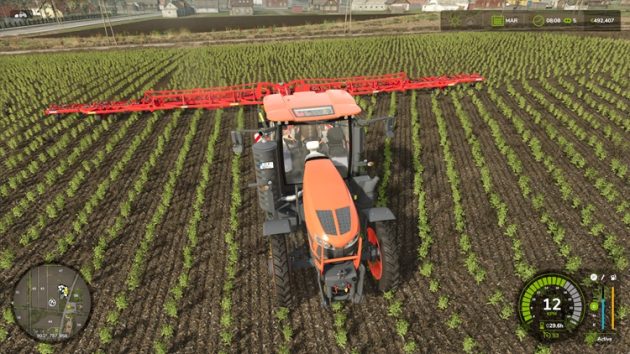
One month after planting, weeds are still at the Small stage. We remove them with a weeder.
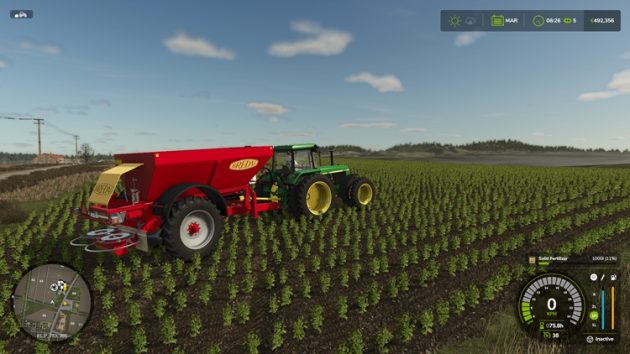
Next, we apply the second fertilizer pass. (The first fertilization was done while planting – the planter both planted the seed and applied liquid fertilizer.) After the field is planted and the crop has started growing, tractors and implements entering the field must use narrow tires. Otherwise, you can damage the crop.
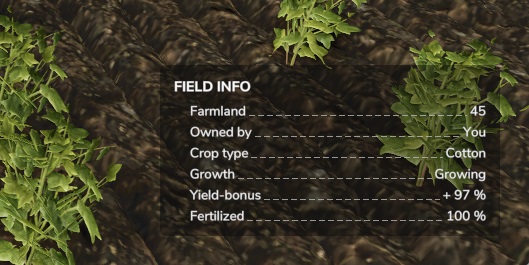
Field yield has reached around 97%. We are almost at maximum yield. Now we need to wait 7 months for the crop to mature.
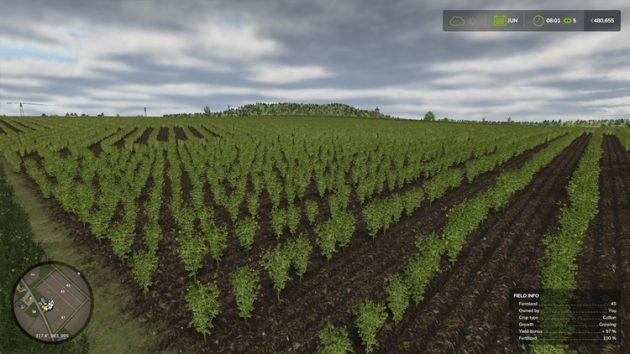
Step by step, we watch the crop grow?
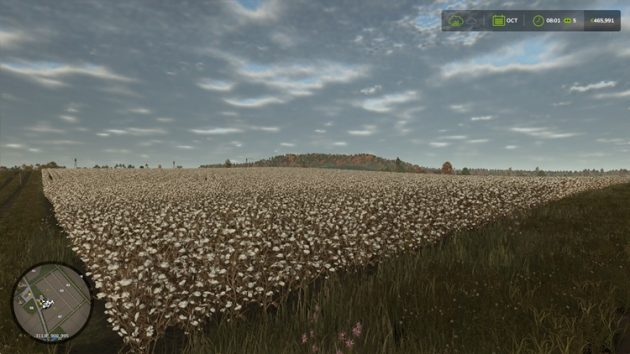
Eight months after planting, the cotton field is ready to harvest.
You need a cotton harvester. There are two cotton harvesters in the game: the Case IH Module Express 635 and the John Deere CP690. We chose the Case IH to stay within budget. Press X to unfold the harvester, press V to lower the front header to field level, then press B to turn the machine on.
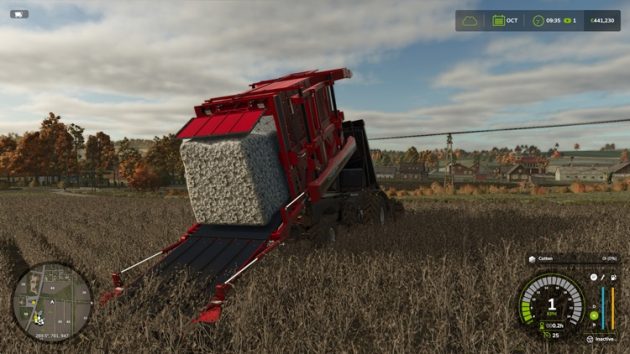
After you finish harvesting with the cotton harvester, press Y to unload the collected cotton module.
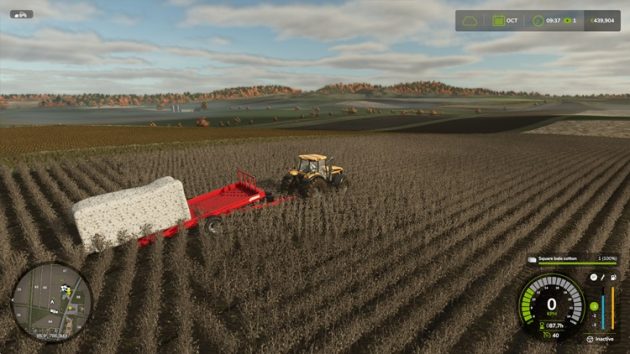
You can load the cotton module onto a cotton trailer. For this guide, we used the Lizard Module 4 Cotton Trailer. Press B to put the trailer into loading position. Then align the trailer’s rear grips with the cotton module and let loading begin.
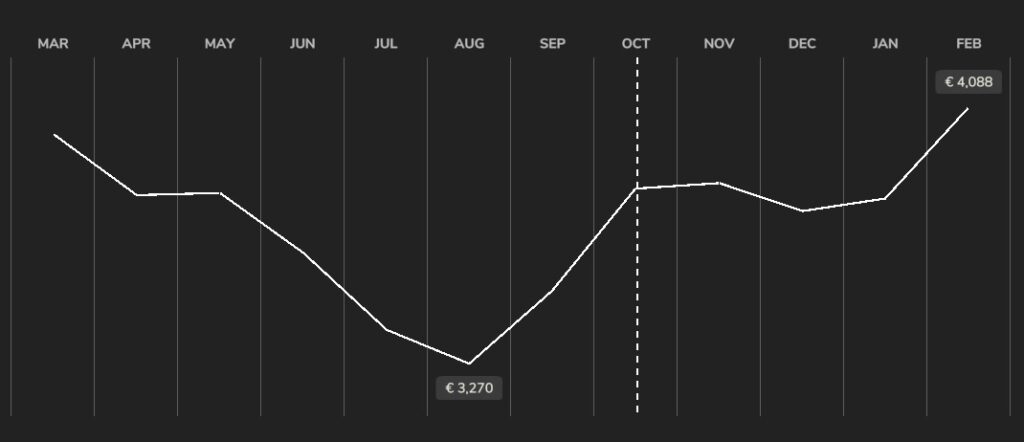
Cotton can be sold at the Spinnery to be turned into fabric. Cotton sells at its highest price in February and at its lowest price in August.
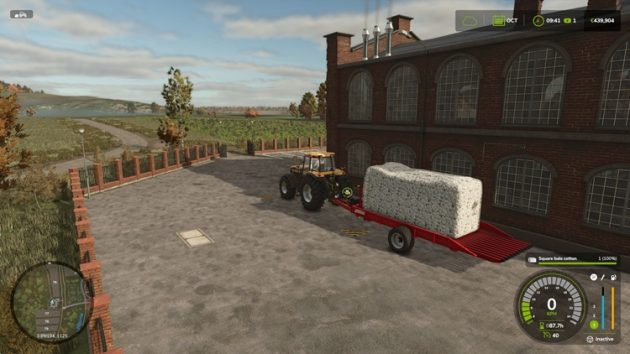
To unload a cotton trailer loaded with a cotton module, press B to switch it to unloading position, then press Y to start unloading.
Request: If you want to see more simulation game guides on our site, you can help us cover more games. Would you like to make a donation to our USDT wallet?
Donate: https://simulatorguides.com/donate/