How to Fill the Seeder in Farmer’s Dynasty 2

Farmer’s Dynasty 2 is a farming and livestock simulation RPG. You take over a run-down farm to build a new life, keep good relationships with other farmers, get married, and start a family. If you want to farm and are stuck on how to fill the seeder, this guide will walk you through it.
Where to Get a Seeder?
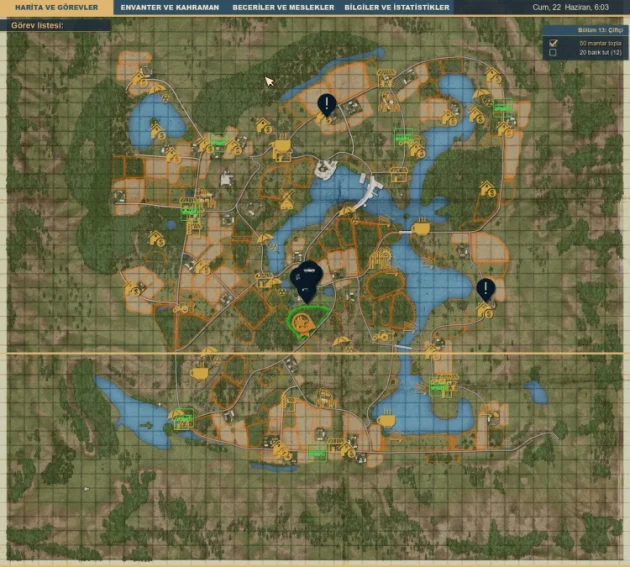
If you play Story Mode, you receive a seeder at the end of Chapter 7. Focus on the quests and you will get one. If you would rather buy a seeder with the money you have earned instead of waiting for the quest reward, press M to open the map.
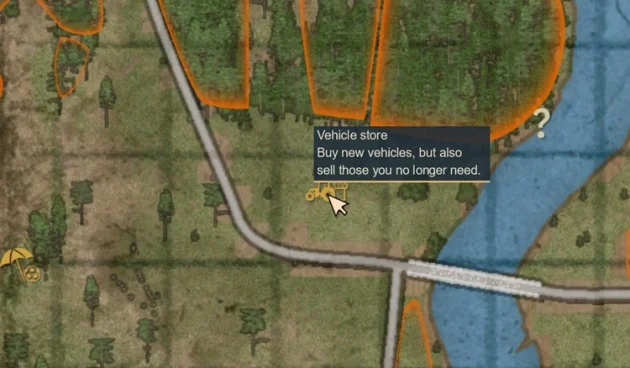
On the map you will see Vehicle Store locations. Visit one of these points to purchase a seeder. If Vehicle Store markers do not appear and you see question marks (?) instead, visit those points once to reveal them.
Where to Buy Seeds?
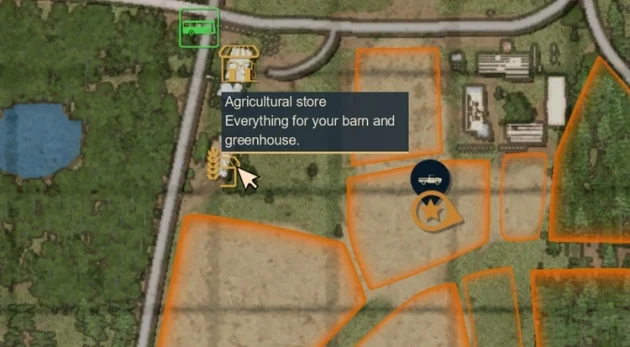
You can buy all plantable seeds from the Agricultural Store. Open the map with M and visit one of the icons shown in the image below.
Enter the store, walk to the product shelves, then press ENTER.
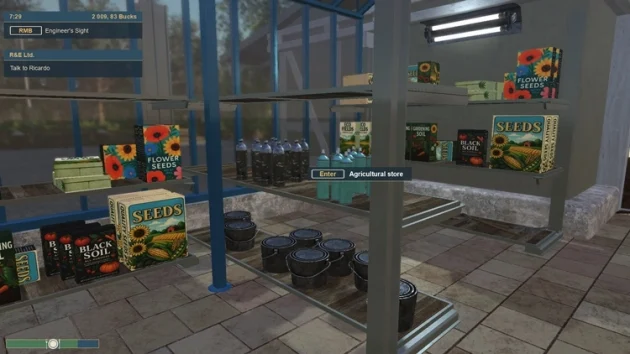
In the store catalog, open Cereal Seeds and buy the seeds you need.
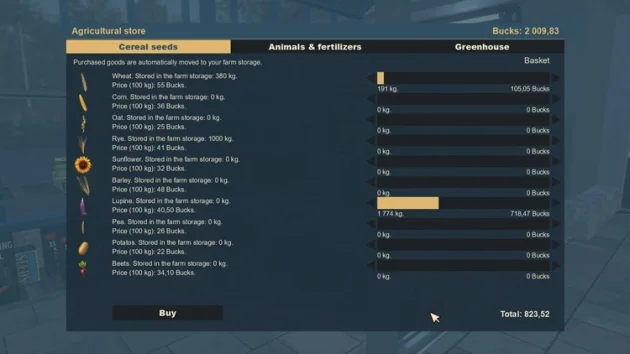
I Bought Seeds but They Are Not in My Inventory
Purchased seeds do not go into your personal inventory opened with I. They are sent straight to the Barn on your farm. There is no need to worry after buying them. Go back to your farm and check the barn to see the seeds you purchased.
How to Fill the Seeder with Seeds?
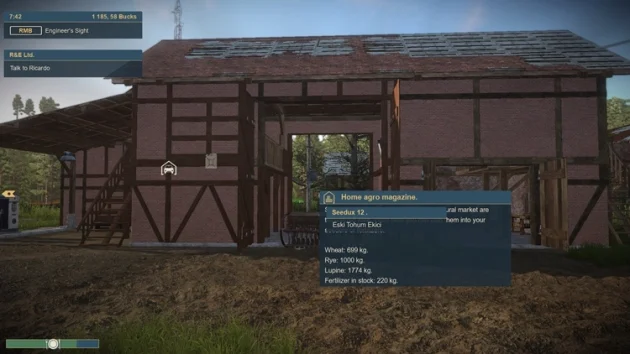
Attach the seeder to your tractor and drive to the seed loading area at the barn. Hold the right mouse button, find the Home Agro Magazine area, and open the doors.
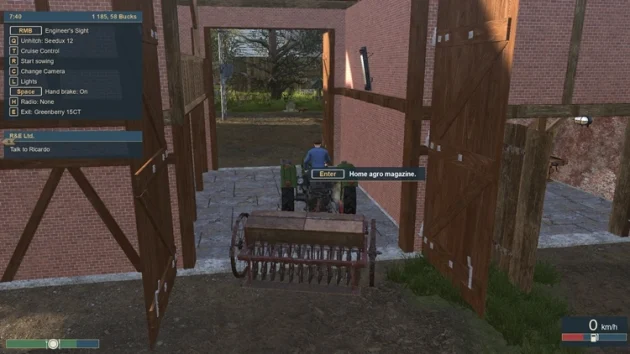
Drive the tractor with the seeder attached into the building, then press ENTER.
In the catalog that opens, click Fill the Seeder to load seeds into the seeder.
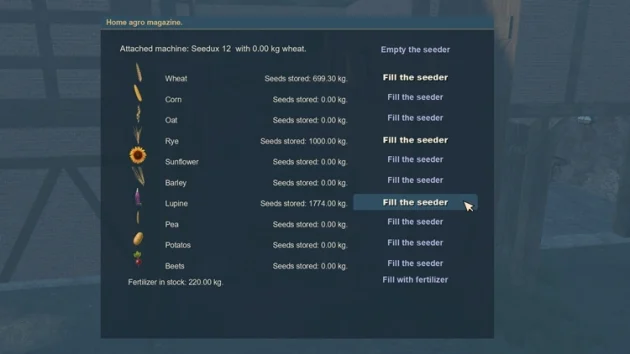
How to Empty the Seeder
Drive the filled seeder back to the Home Agro Magazine area in the barn. Press ENTER to open the catalog. At the top, click Empty the Seeder.